SETTING UP A PHYISICAN OFFICE MEDICINE
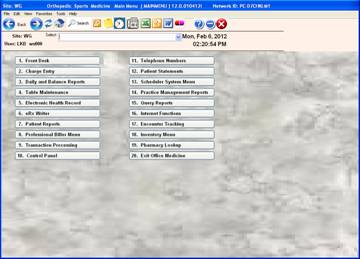
From the main menu click on #13 Scheduler System Menu
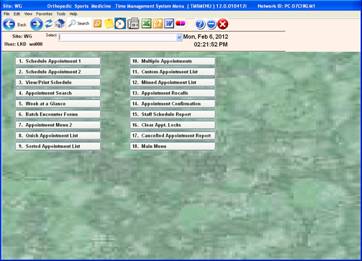
Click on #7 Appointment Menu 2
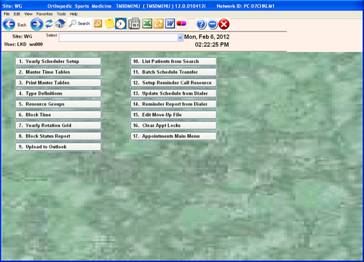
Click on number #1 Yearly Scheduler Setup
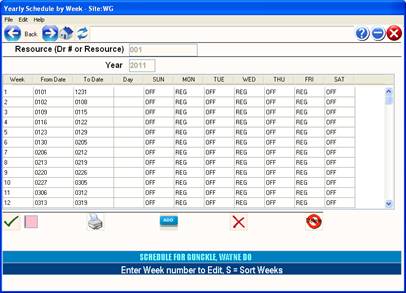
Enter resource doctor number 001, 031, 032, etc and the New Year 2012
First line will be 0101 – 1231
On each day like Sunday tab across to OFF; Monday – REG, etc. to match the doctors schedule. Subsequent lines are for exceptions – such as the last week in March a doctor is going to be on vacation the date is Sunday – Saturday and all the cells would have OFF, OFF, OFF, etc.
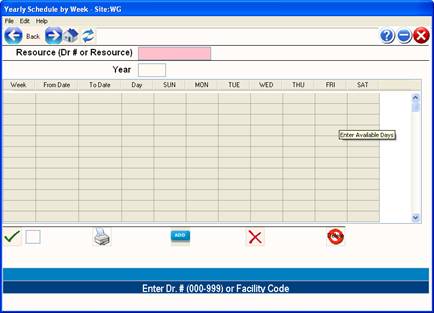
JUST AN EXAMPLE: