BLOCKING TIME FOR A PHYISICAN IN OFFICE MEDICINE
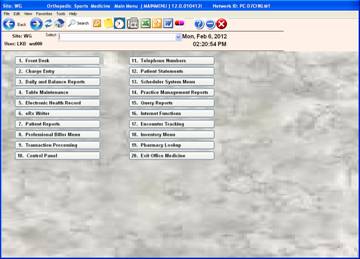
From the main menu click on #13 Scheduler System Menu
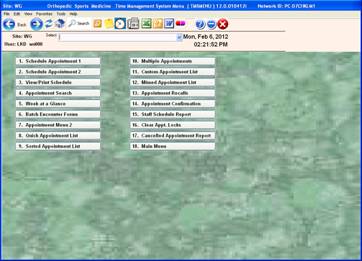
Click on #7 Appointment Menu 2
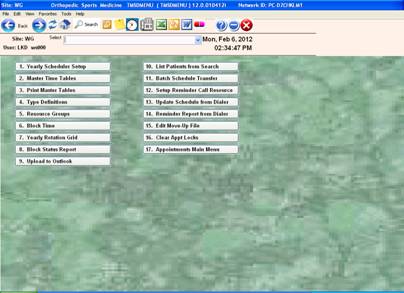
Click on number #6 Block Time
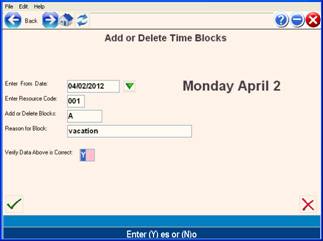
This window will come up enter through the prompts
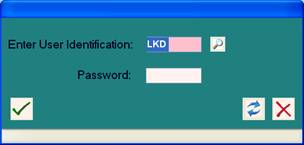
Enter date, doctor # A (add) or D (delete) for the time would like to blocked, verify, click check box √
Select the times by entering the number at the prompts at bottom or you can click on #1 – 9 (to have the doctor blocked from 0800A – 0945A) Click the check box. √
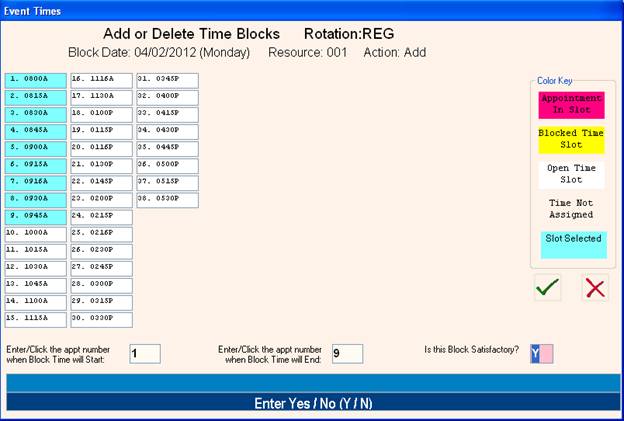
Respond “Y” to block the every day if this is appropriate e.g. blocking a lunch time slot.