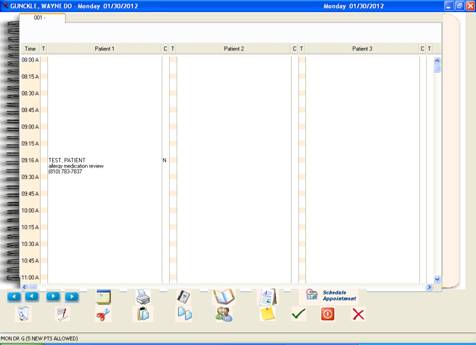
Schedule an Appointment
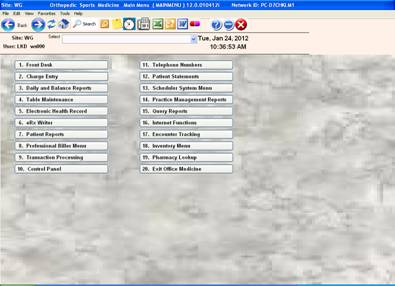
Click #13 Scheduler System Menu
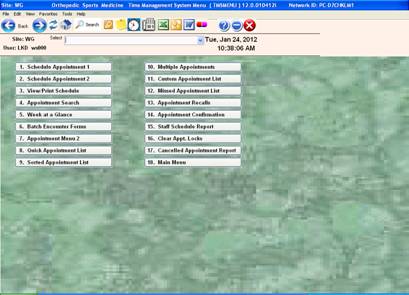
Click # 2 Schedule Appointment 2
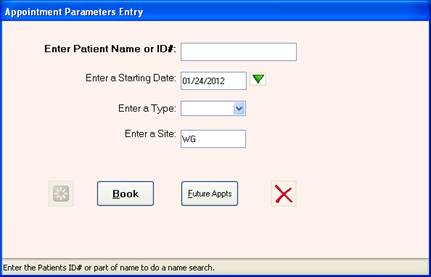
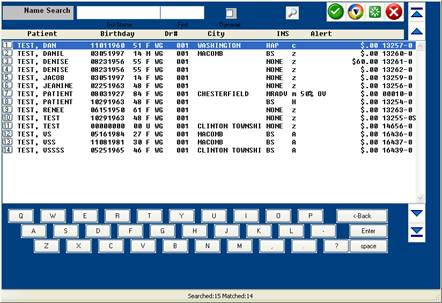
Type patient’s name or account number (search available)
What a search window will look like
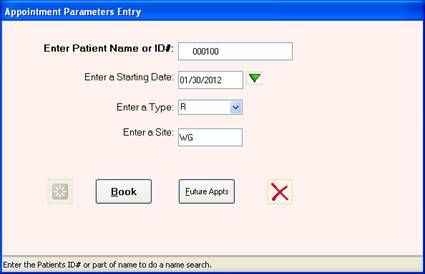
Pick a date, type of appointment and click on “book”

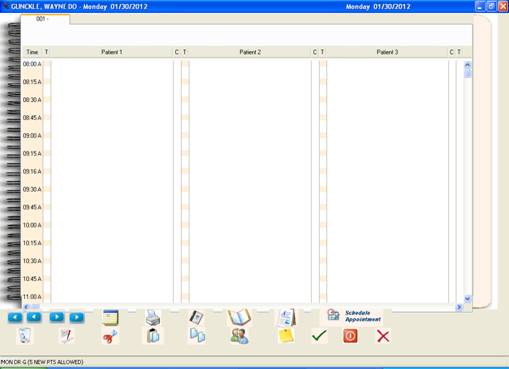
Double click on the appointment time you’d like:
This is the window that will come up to

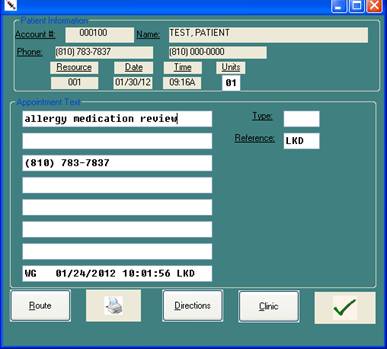
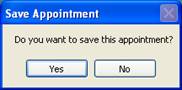 Click yes
This is what the screen will look like: click “X” box to exit scheduler