Procedure to Capture
MidMark result file
Procedure to Capture MidMark result file.
- Call up the patient in the Medical Record normally.
- Under Procedures, ( or any other suitable area ) select the <PFT2> template.
- Once the template is displayed, click ( or Enter ) on the <MMLINK> field.
- The MidMark workstation program will start automatically from this link.
- Note – The MidMark workstation program should NOT be started
manually beforehand.
- Perform the test and export the report to C:\om8\wp
- Close the MidMark Workstation Program.
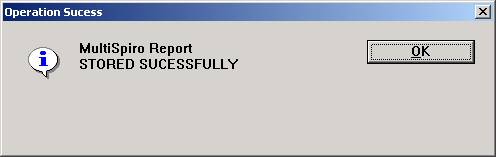
- The interface program will pop-up with the following message:
Viewing a Stored Report:
- Open the PFT2 template as previously explained
- Click on the <MMLINK> field
- The report viewer will automatically display the MidMark Report.