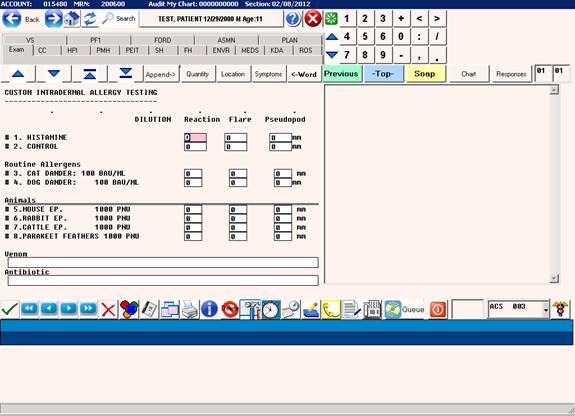
CUSTOM ALLERGY TESTING PANELS ADHOC
CUSTOM ALLERGY TESTING PANELS – ADHOC
Purpose:
Testing panels frequently are based on the individual testing
requirements of each patient. These requirements are often
completely different for each patient so an ad hoc method of
setting up the testing is needed.
Procedure:
Call up the patient to be tested and open the EXAM page.
Now select a custom panel from the list located in the Allergy
Testing field.
Examples: PKC, IDC, VNC, PENC
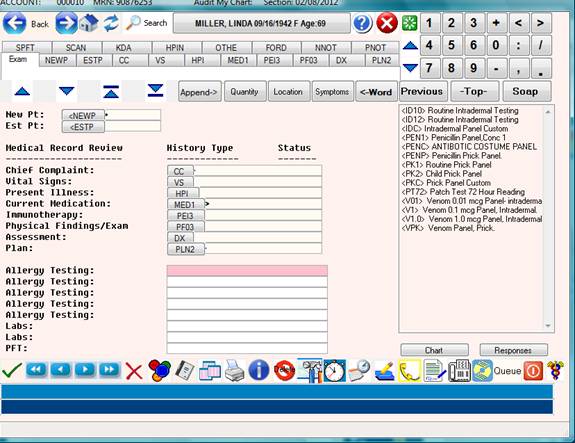
Upon selection of a custom panel, the EMR will prompt:
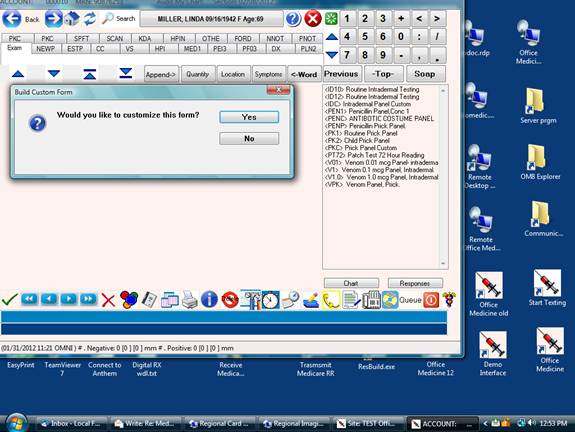
A “Y”es response will bring up the customization screen.
A “N”o response will use the form as it is predefined in the form library.
The following screen will come up after a “Y” response.
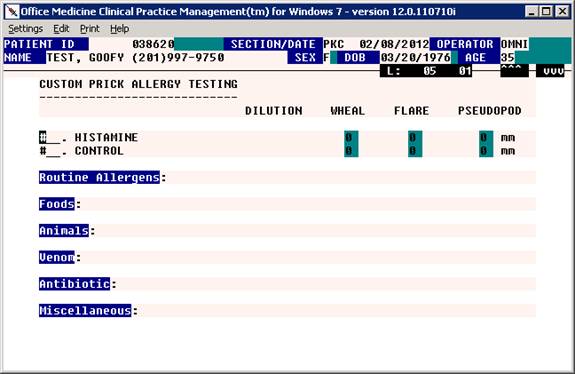
Now you may <Tab> or click on each of the topic headings and
select from the custom antigen lists.
You may also free type or paste into the form as needed.
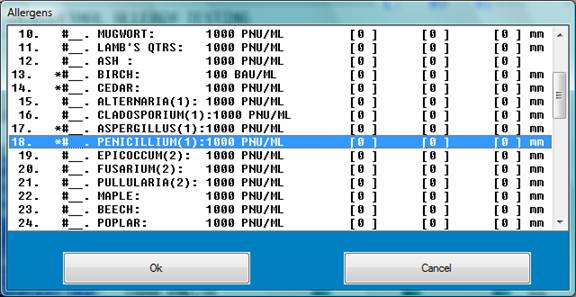
After selecting or free typing all the required antigens to be tested,
press the Escape Key and the cursor will be at the Command Line Prompt.
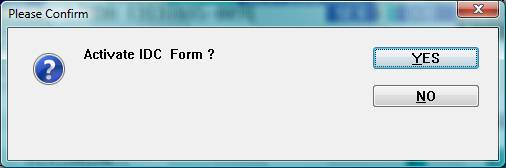
Now enter “A” to Active the form
A “Y”es response will save the customized form and open the form in the EMR
A “N”o response will return to the edit mode so you may continue with customizing the form.
After the activation step, the fully customized form will now be ready for use in the EMR.