Run Daily Report
This
report is run every morning for the day before – i.e. Tuesday morning you run
this report for Monday.
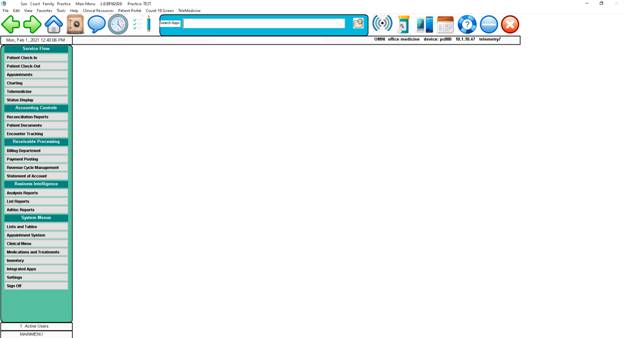
Click
#3 – Daily and balance Reports or Reconciliation Reports
Click
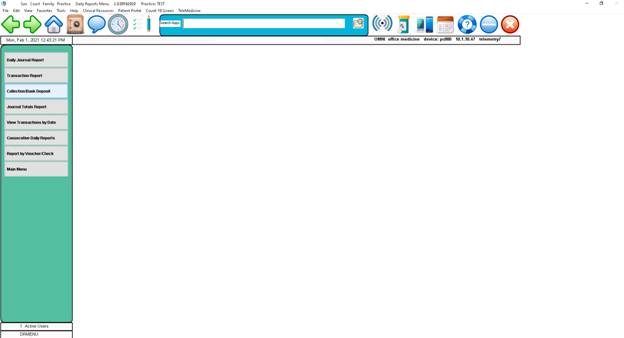
#3 Collection/Bank Deposit
Click
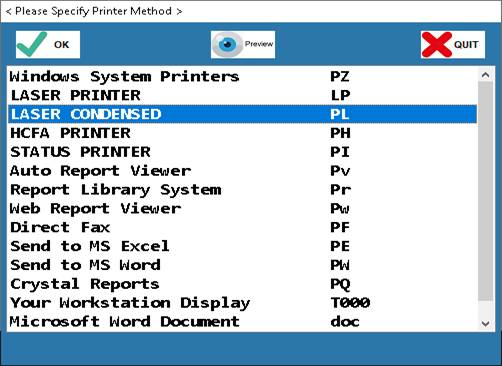
on windows printer – enter or click on “OK”
Select
printer from window and click on “OK”
Click
“OK”
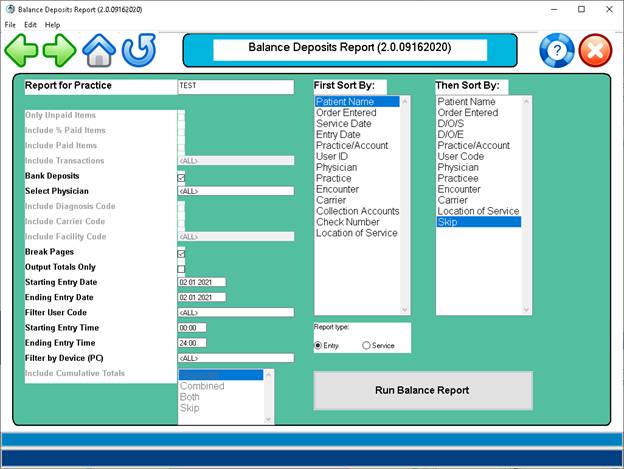
Enter
Date of report usually the current date as you do this at the end of the day to
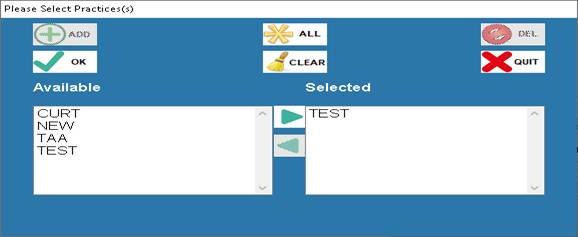
balance out what you have collected at the front desk. Also, Click on Select user ID -
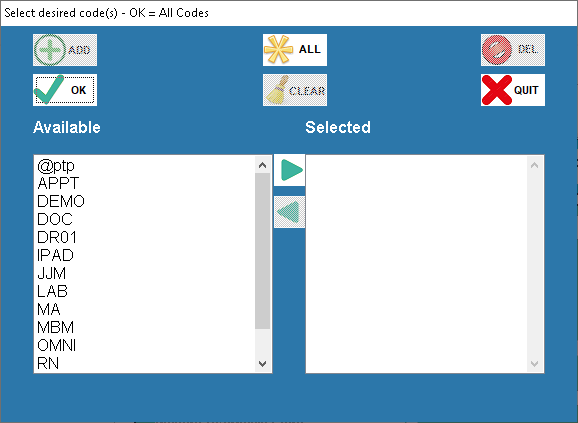
This window will come up:
Click on each person who posted money and click the add button and they will be
added to the selected side to be included in the report being run.
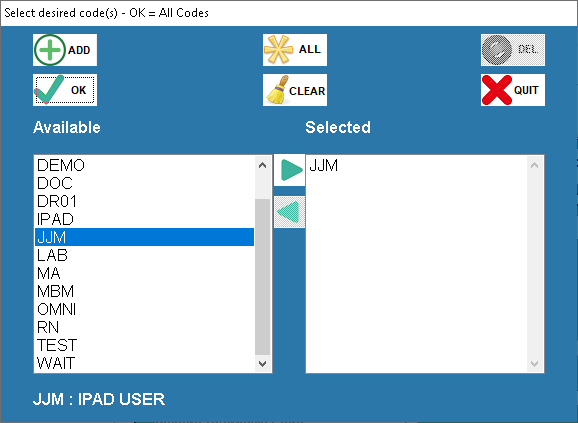
Here is what the screen
looks like when you add users to the selected side. Click “OK”
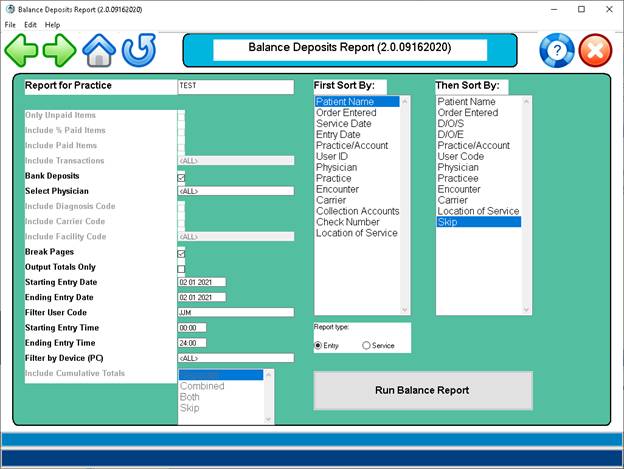
Click on “Run Balance
Report”
NOTE: All a warning window will open just click
“OK” - by running the daily report this
voids this warning.
A
report will run listing the total collections for the day broken down into
cash, check, and other (credit card).
Your cash draw should equal this grand total.