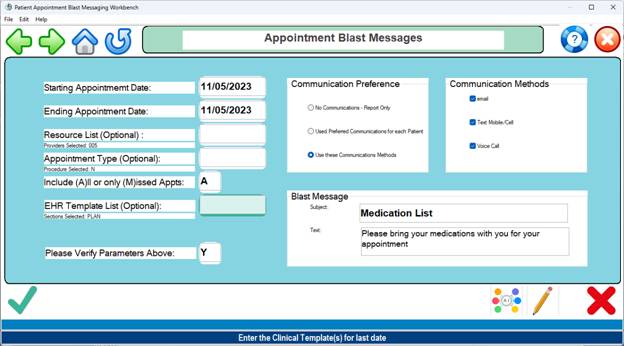
Appointment
Broadcast Messages – Program Code SCHBLASTMSG
Purpose: To send a message to patients with scheduled appointments
Procedure:
1. Enter the starting and ending dates for the message
2. Enter a list of appointment resources to receive the message.
Leave this field blank to include all resources for the selected date(s).
3. Enter a list of appointment types to receive this message.
Leave this field blank to include all appointment types on the selected date(s).
4. Usually Include ALL appointments, not missed appointments
5. EHR Template List: Press <Enter> for ALL
6. Enter a Subject and Message in the Broadcast Message appropriate fields
7. Select Communication Preference and Methods.
8. Click OK to start messaging
Typical Setup for Bad Weather
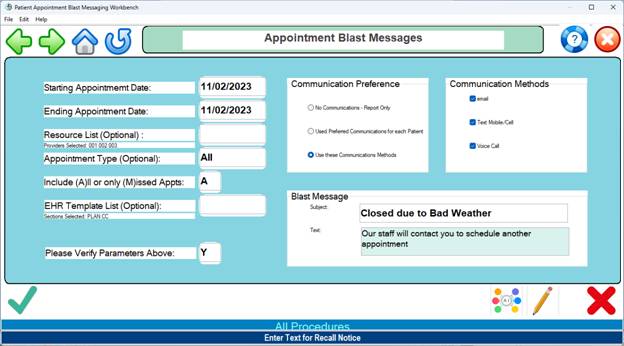
Custom setup for a new patients for resource 005 only