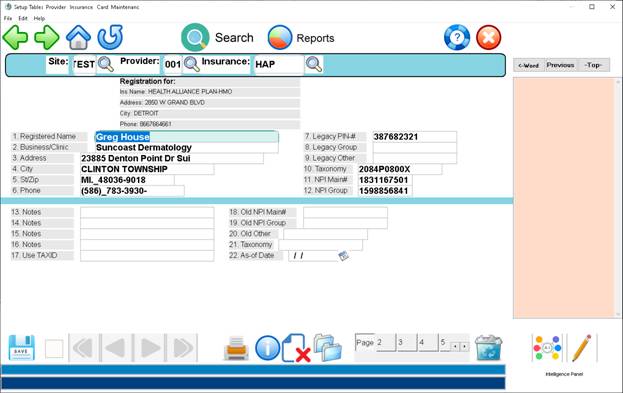
Adding Specific Insurance Requirement to Physician Profiles
From
the main menu click #4 - Table Maintenance or Select Lists and Tables
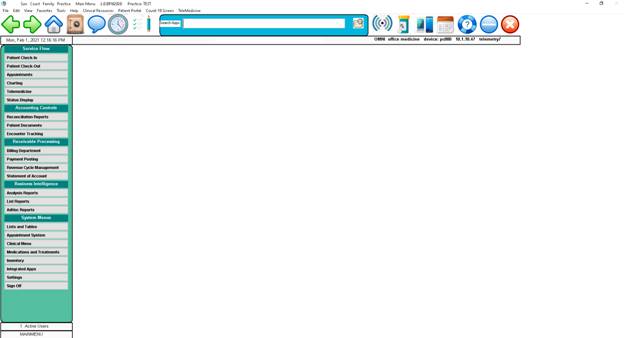
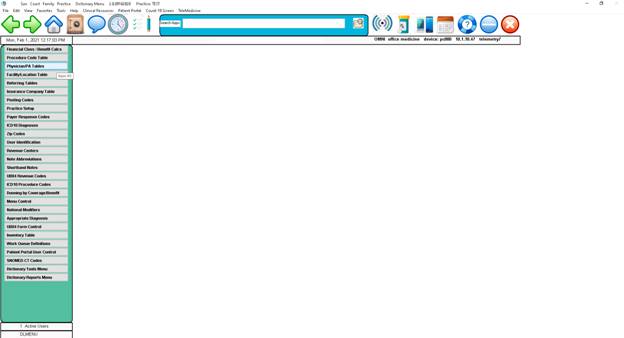
Click
#3 – Provider Codes
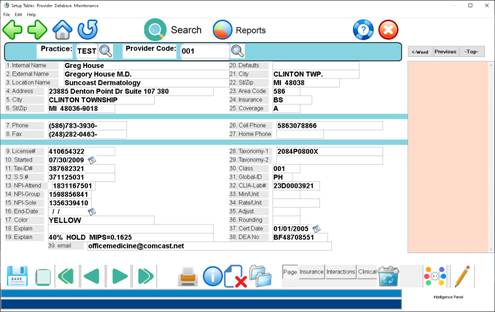
Enter through site code (AAS) and then press
tab and Provider Code – a list of your doctors will come up such as 001, 002,
031, 032, etc. click on the physician you want edit/make changes. When you click on the insurance button at the
bottom this will allow to make changes to their individual numbers (such in the
case that when we added your doctors Medicare filled in with Dr. Houses’
individual numbers for all the doctors so this needs to be edited for each
doctor.)
This is where you
click to add insurance for a doctor.


When
you click on the insurance button this is where you can click on the
insurance you want to
change or click the button to add a new insurance.
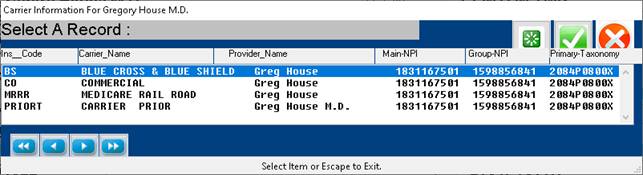
This
is what the screen looks like to add insurance for your doctors.